
-
×
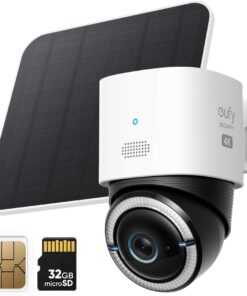
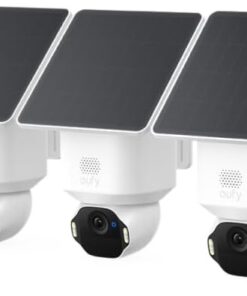
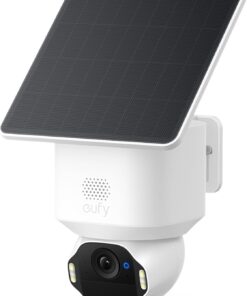 eufy Security SoloCam E42, 4K Solar Security Camera, AI Facial Recognition | AI Motion Tracking, Strobe Light, Pan & Tilt, 4K Ultra HD, Solar Powered, Up to 16TB, Smart Home Compatible
1 × $113.98
eufy Security SoloCam E42, 4K Solar Security Camera, AI Facial Recognition | AI Motion Tracking, Strobe Light, Pan & Tilt, 4K Ultra HD, Solar Powered, Up to 16TB, Smart Home Compatible
1 × $113.98 -
×
 ECHO CS-400-18 18 in. 40.2 cc Gas 2-Stroke Cycle Chainsaw
1 × $448.75
ECHO CS-400-18 18 in. 40.2 cc Gas 2-Stroke Cycle Chainsaw
1 × $448.75 -
×
ECHO PE-225 21.2 cc Gas 2-Stroke Cycle Edger
2 × $357.50
-
×
TP-Link AX1800 WiFi 6 Router (Archer AX21) – Dual Band Wireless Internet, Gigabit, Easy Mesh, Works with Alexa - A Certified for Humans Device, Free Expert Support
1 × $45.55
-
×
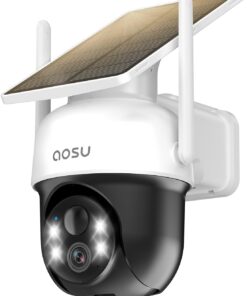
aosu 3K 5MP Solar Security Camera Wireless Outdoor PTZ 360° Smart Tracking | Auto Human&Vehicle Tracking No Blind Spots, Easy Setup, Color Night Vision, Ideal For Home, Yard & Farm Security Monitoring (2 Pack)
1 × $161.48
-
×
WYZE Cam v4 (Latest Model), 2.5K AI Security Camera, Indoor/Outdoor Cameras for Home Security, Baby Monitor & Pet Camera, Color Night Vision, No Subscription Required (2 Pack)
1 × $69.98
-
×
TP-Link Deco 7 BE25 Dual-Band BE5000 WiFi 7 Mesh Wi-Fi System | 4-Stream 5 Gbps, 240 Mhz | Covers up to 6,600 Sq.Ft | 2X 2.5G Ports Wired Backhaul | VPN,MLO, AI-Roaming, HomeShield, 3-Pack
1 × $191.37
-
×
ECHO PE-2620 25.4 cc Gas 2-Stroke Cycle Edger
1 × $505.00
-
×
eufy Security 4K Indoor Camera E30, Pan and Tilt, AI Tracking, Pet Camera | Color Night Vision, Baby/Nanny Monitor with Two-Way Audio, AI Human/Pet Detection, Works with HomeKit, No Monthly Fee, Black
1 × $56.99
-
×
eufy Security 4K Indoor Camera E30, No Subscription, Work as Pet Camera | Nanny/Baby Camera, Pan&Tilt, AI Tracking, AI Detection, 24/7 Recording, Color Night Vision, Two-Way Audio,Works with HomeKit
1 × $52.24
 ECHO CS-400-18 18 in. 40.2 cc Gas 2-Stroke Cycle Chainsaw
 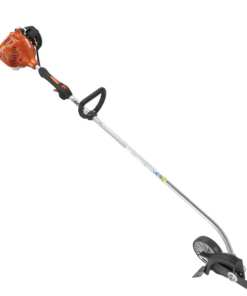 ECHO PE-225 21.2 cc Gas 2-Stroke Cycle Edger
 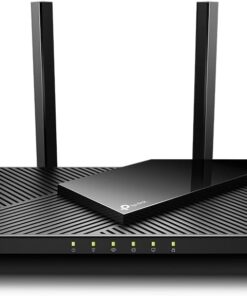 TP-Link AX1800 WiFi 6 Router (Archer AX21) – Dual Band Wireless Internet, Gigabit, Easy Mesh, Works with Alexa - A Certified for Humans Device, Free Expert Support
 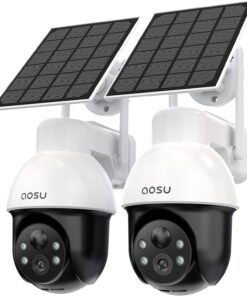 aosu 3K 5MP Solar Security Camera Wireless Outdoor PTZ 360° Smart Tracking | Auto Human&Vehicle Tracking No Blind Spots, Easy Setup, Color Night Vision, Ideal For Home, Yard & Farm Security Monitoring (2 Pack)
 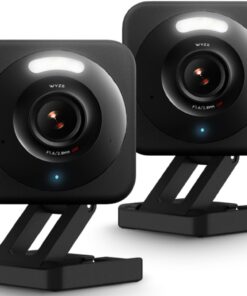 WYZE Cam v4 (Latest Model), 2.5K AI Security Camera, Indoor/Outdoor Cameras for Home Security, Baby Monitor & Pet Camera, Color Night Vision, No Subscription Required (2 Pack)
 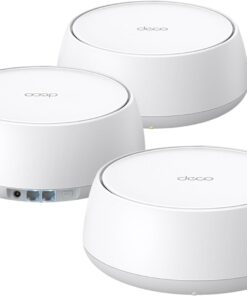 TP-Link Deco 7 BE25 Dual-Band BE5000 WiFi 7 Mesh Wi-Fi System | 4-Stream 5 Gbps, 240 Mhz | Covers up to 6,600 Sq.Ft | 2X 2.5G Ports Wired Backhaul | VPN,MLO, AI-Roaming, HomeShield, 3-Pack
 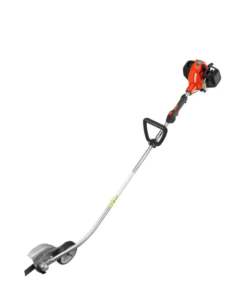 ECHO PE-2620 25.4 cc Gas 2-Stroke Cycle Edger
 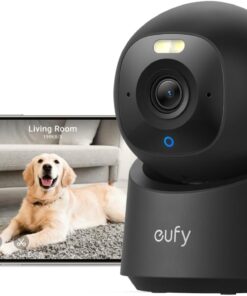 eufy Security 4K Indoor Camera E30, Pan and Tilt, AI Tracking, Pet Camera | Color Night Vision, Baby/Nanny Monitor with Two-Way Audio, AI Human/Pet Detection, Works with HomeKit, No Monthly Fee, Black
 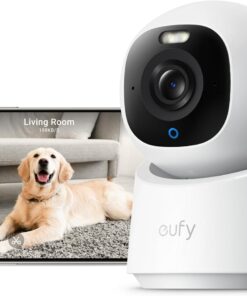 eufy Security 4K Indoor Camera E30, No Subscription, Work as Pet Camera | Nanny/Baby Camera, Pan&Tilt, AI Tracking, AI Detection, 24/7 Recording, Color Night Vision, Two-Way Audio,Works with HomeKit
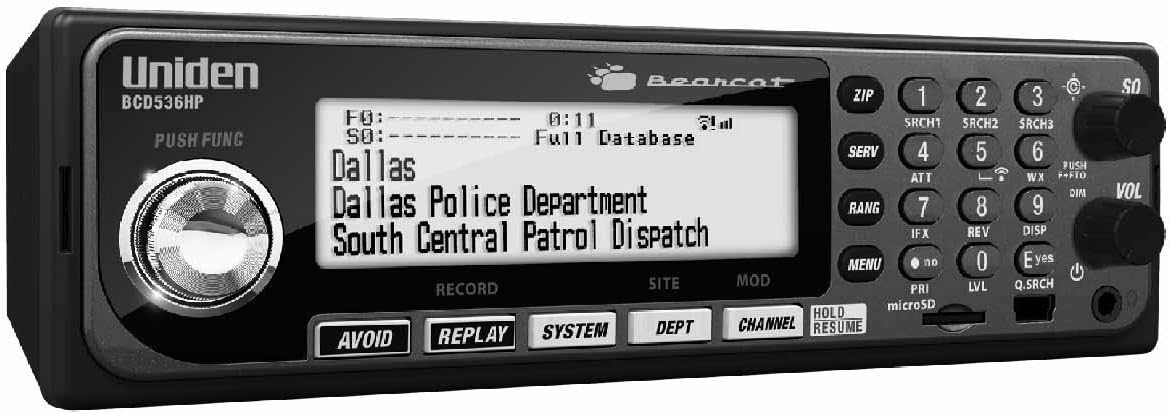
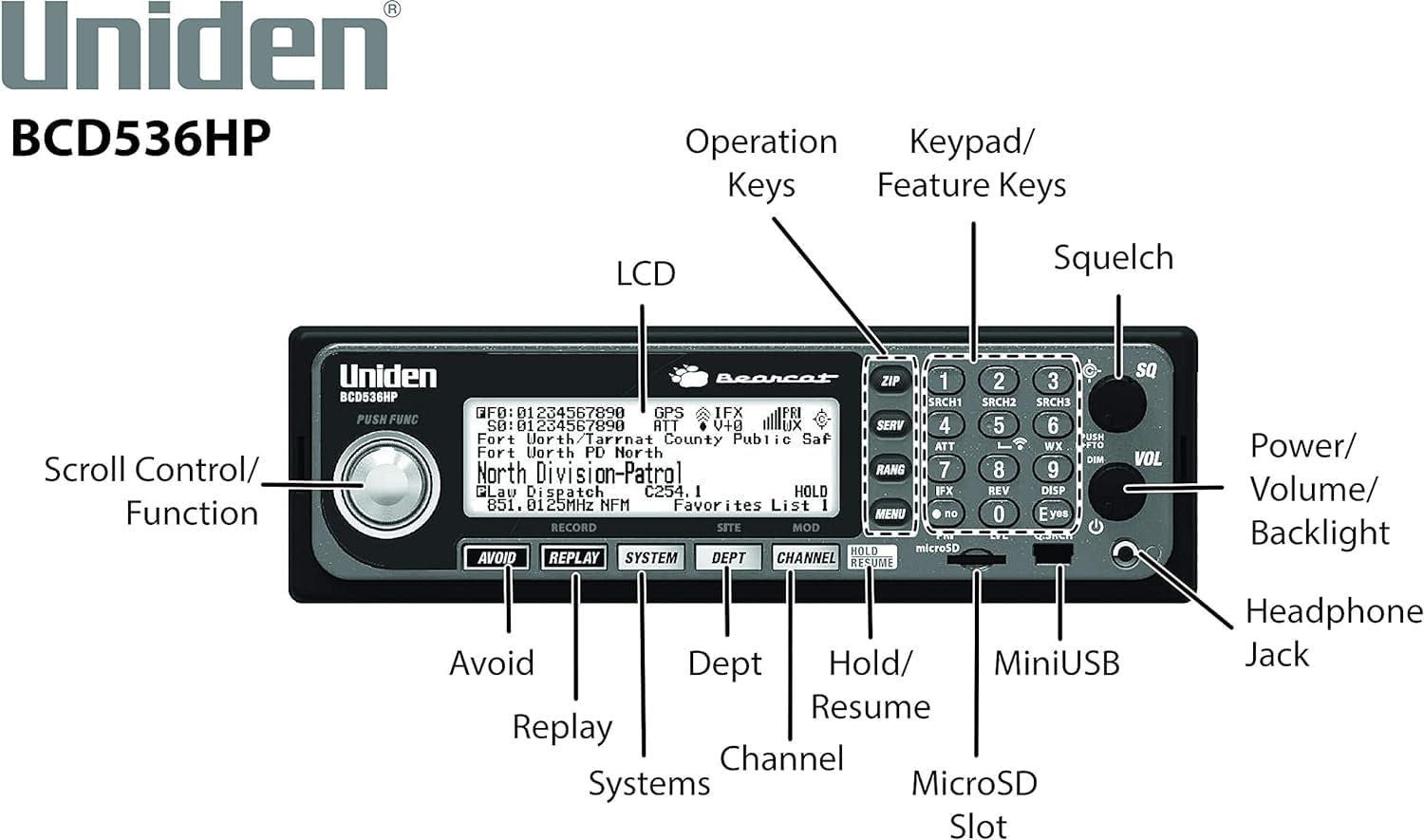
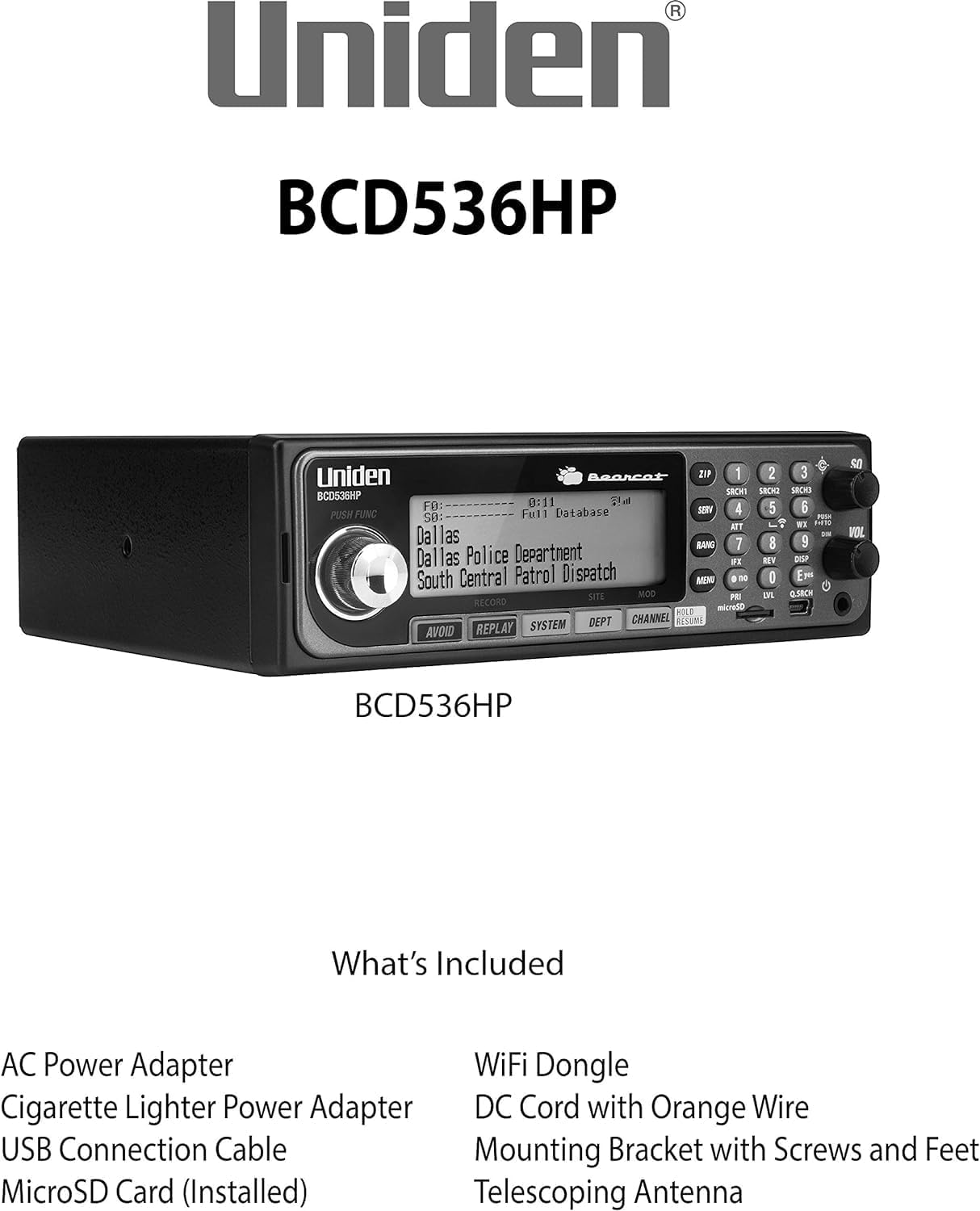




$564.26
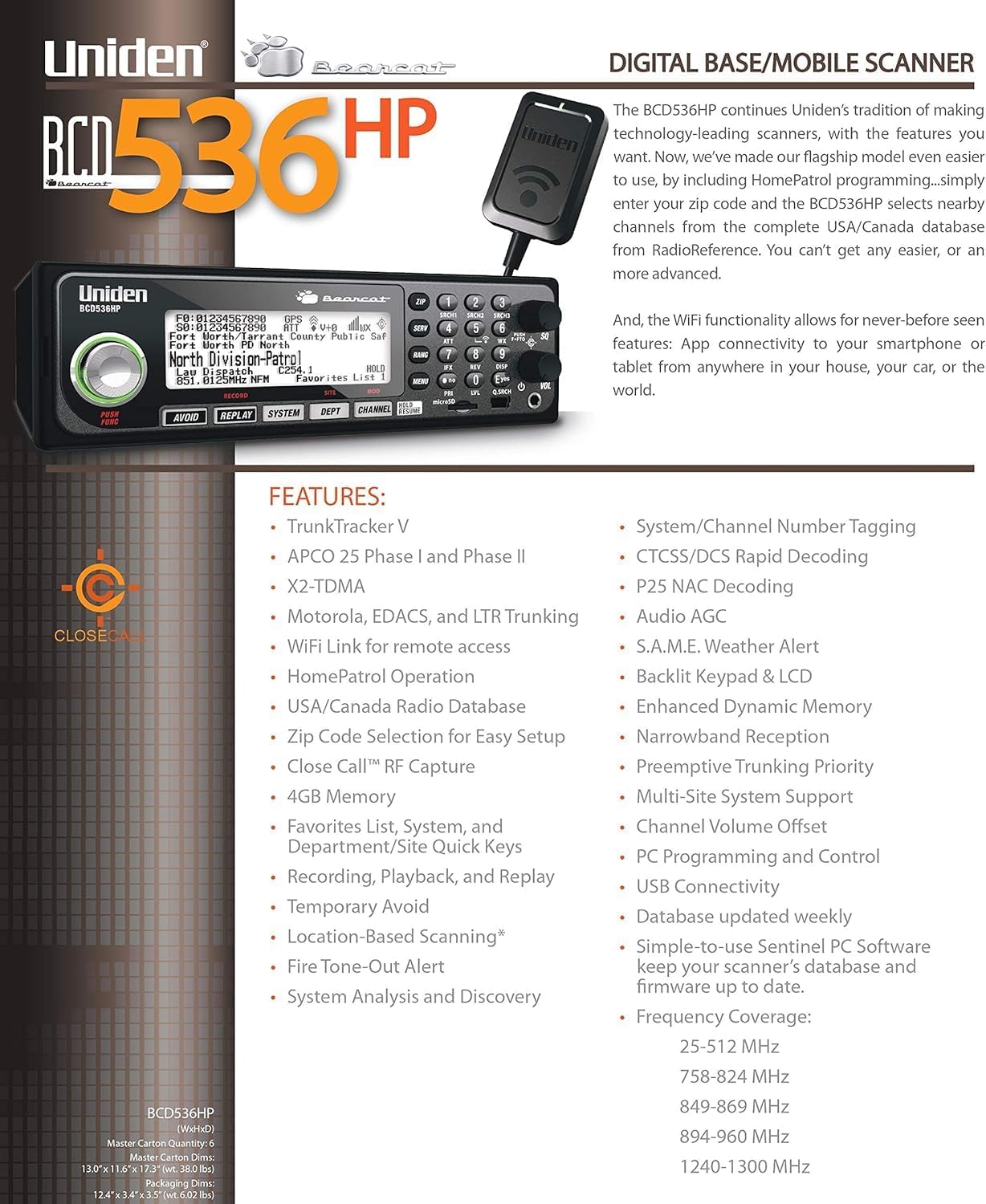
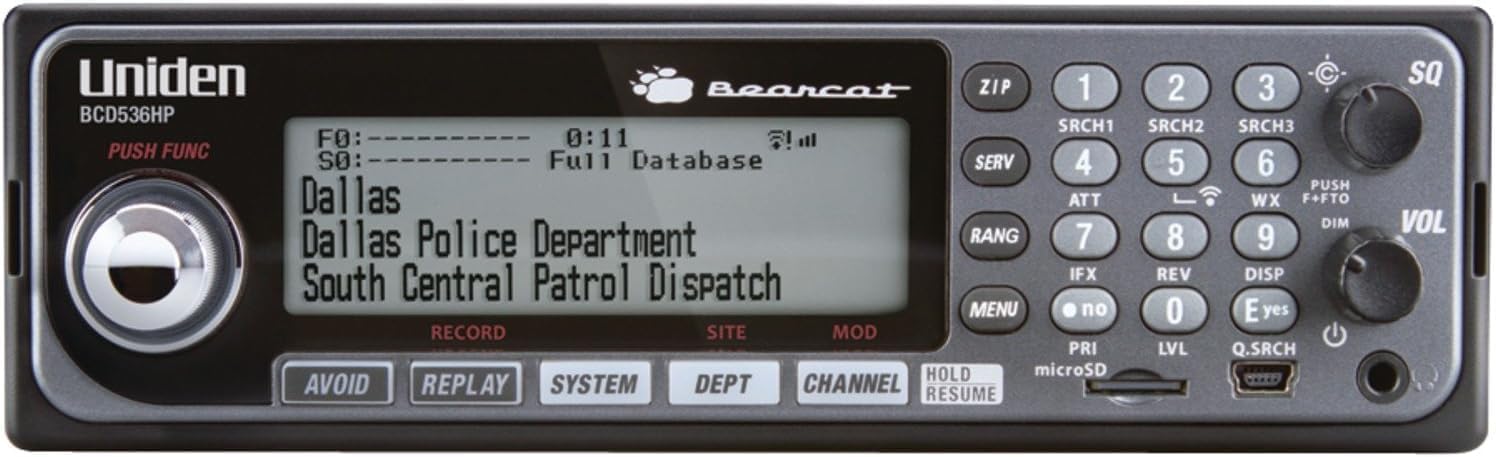
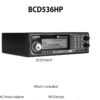
- Style Base/Mobile Scanner
- Brand Uniden
- Color BCD536HP
- Number of Channels 5
- Special Feature Emergency Alarm, Weather Alert
- Frequency Range 25.0000 to 49.9900 MHz
- Talking Range Maximum 5 mile
- Water Resistance Level Water Resistant
- Product Dimensions 12.8″D x 8.5″W x 3.23″H
- Number of Batteries 2 AA batteries required.
- Item Weight 5.4 pounds
Troubleshooting : Scan Mode, Nothing to Scan 1. Make sure you Set Your Location to scan the Database. 2. Make sure Favorites Lists are enabled in Set Scan Selection. 3. Make sure Service Types are enabled for the Channels you want to hear. 4. Make sure you have locations programed if Use Location Control is On. 5. Make sure longitude and latitude are N and W (for N America). 6. Make sure Systems/Departments/Channels are not Avoided. 7. Make sure Favorites List/System quick key is enabled. 8. (Search with Scan) Make sure Troubleshooting Search with Scan is enabled in Select Lists to Monitor and the Search for Menu and for the Custom Search. With Scanning Interrupted 1. Turn off Priority Scan. Change Priority Interval. 2. Turn off Close Call Priority. 3. Turn off Weather Priority. 4. Set Channel Delay longer. 5. Set positive Channel Delay. All Channels Out of Range 1. Increase your range. 2. Turn Location Control off for the Favorites List.. Backlit Keypad & LCD. Simple-to-use Sentinel PC Software keep your scanner’s database and firmware up to date. Instant Replay – Plays back up to 240 seconds (4 minutes) of the most recent transmissions. Audio Recording – Capture transmissions for later playback.
– TrunkTracker V – Receives all unencrypted, non-proprietary radio systems including, APCO-25 Phase I and Phase II digital, Motorolla, EDACS, LTR, conventional analog and P25 digital channels.
– Close Call RF Capture with DND – Provides information about nearby radio transmissions. Comes with Do-Not-Disturb feature which checks for Close Call activity in between channel reception so active channels are not interrupted.
– Location Based Scanning – Connect to a compatible GPS receiver and it will automatically select programmed systems based on your exact location.
– 25,000 Dynamic Channels – Scan and search 25,000 channels. This scanner will automatically tune to the signals nearest you, so you can keep track of what’s going on in your area.
– DCS/CTCSS Rapid Decode – Instantly detects and displays the sub audible tone so you can quickly determine the system settings.
– How can we help? Uniden Customer Support web site is designed to conveniently walk you through product setup and troubleshooting, Contact customer support phone: 1-800-297-1023.
Reviews
There are no reviews yet.